
Getting Streams Ready for the Darker Months Ahead
Autumn and winter bring earlier dusk, colder venues and more indoor events. Rhys Pemberton sets out how to prepare a live stream for these weeks, from lighting to connection checks.
6 min read
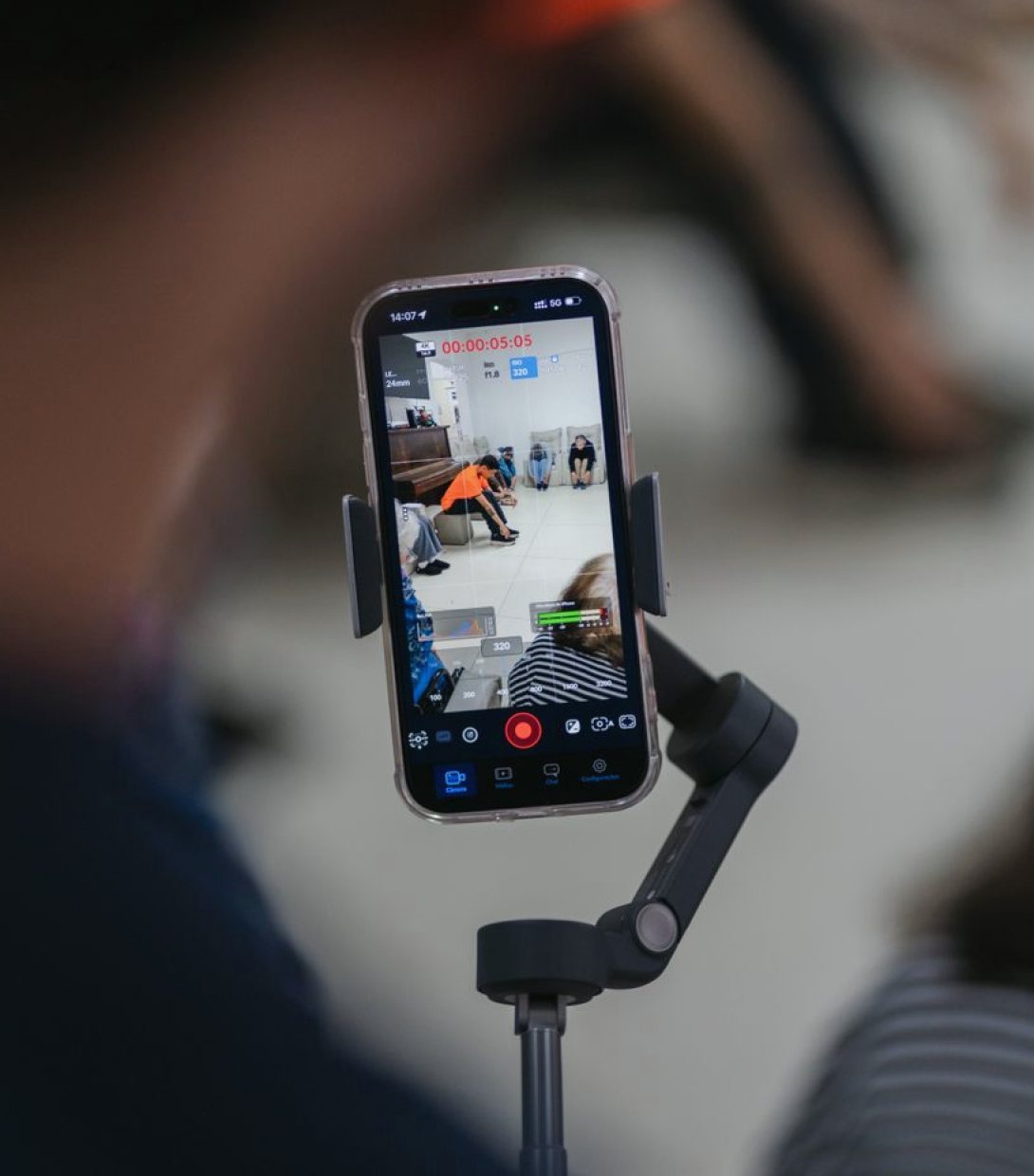
Why these weeks change a streaming plan
Mid autumn is when many streaming schedules fill up. Conferences resume, theatres and church groups return to indoor programmes, and organisers who spent the summer outdoors move into halls with lower ceilings and less daylight. A stream that worked well in June can struggle in these conditions, and the reasons are rarely dramatic. They are usually small things that nobody had to think about when the sun was doing half the lighting work.
I have been planning streamed shows for a long time, and the pattern repeats each year. The first few events after the clocks change expose gaps: a camera that cannot cope with dim rooms, a venue connection shared with a full building, a crew that has not rehearsed the new layout. None of this is hard to fix, but all of it is cheaper to fix before the doors open than during the first ten minutes of a live feed.
Light is the first thing to check
Earlier dusk and windowless halls mean the picture now depends almost entirely on the lights you bring or the lights the venue already has. Many venues light for the people in the room, not for a lens. A stage that looks bright to the eye can produce a grainy, orange image once it passes through a camera at a fast shutter speed.
Walk the room at the hour the event will actually run, not at lunchtime. Look at the monitors, not at the stage. If faces are dark against a bright backdrop, adjust the position of the lights before reaching for the camera settings. Raising gain to compensate adds noise that the encoder then spends bitrate on, and the online audience sees a muddy image. A little extra light on speakers usually does more for the stream than any software correction later.
- Check exposure on the monitors at show time
- Avoid mixed colour temperatures on faces
- Keep a spare light for the main speaker position
Connection and encoding for busy buildings
Indoor autumn events tend to be fuller than summer ones, and a full room means a crowded network. Phones, laptops and venue systems all compete for the same bandwidth. If your stream shares a connection with the audience, you are relying on luck. A dedicated wired line for the encoder is the simplest protection, and where that is not possible, a second path such as a bonded or backup link gives you somewhere to go if the first one wavers.
Set the encoder with headroom rather than ambition. A steady stream at a modest bitrate serves viewers better than a high-quality one that stutters. Test the upload from the actual position the encoder will sit in, run it for longer than a few minutes, and watch for dropped frames. A short test often passes while the real problem only appears once the room fills and the load builds.
- Use a wired connection for the encoder wherever possible
- Run a test long enough to see the network settle
- Set bitrate with a safety margin
Cold rooms, tired kit and cables
Colder weather affects equipment in ways that are easy to overlook. Gear brought in from a van on a cold evening can fog or misbehave until it reaches room temperature, so allow time before the first check. Batteries lose capacity in the cold, and a camera or wireless unit that lasted a full afternoon in summer may not last as long in a chilly hall.
Cables also take more wear when crews are working quickly in poor light. Label both ends, tape runs that cross walkways, and keep spares for the connections the stream cannot do without. Damp is a quiet risk for outdoor-to-indoor moves. I would rather see a crew arrive early and let the equipment settle than save twenty minutes and spend the opening of the show chasing a fault that was avoidable.
Graphics, audio and the viewer at home
Online audiences in the darker months often watch on phones or in rooms with the lights down, and they notice different things. Lower thirds that are too small become unreadable on a small screen, and thin fonts disappear against a dark stage. Keep graphics large, high in contrast and on screen long enough to read comfortably.
Audio matters even more than picture. A viewer will forgive a soft image but not a muffled voice. Seasonal events often have echoing halls, so place microphones close to speakers and listen on headphones throughout, not on speakers in the room. Agree who monitors the stream as a viewer would, on a separate device, so someone is always checking what the audience actually receives rather than what the gallery sees.
- Use larger, high-contrast on-screen text
- Monitor the live feed on a separate device
- Check audio on headphones, not room speakers
A short plan for the weeks ahead
Before the first event of the season, book one proper rehearsal in the real room at the real time of day. Use it to settle lighting, test the connection under load and confirm who does what when something goes wrong. Write down the fallback for each critical link, whether that is a spare encoder, a second line or a pre-recorded holding slide, so the decision is already made when pressure arrives.
Keep the crew brief short and clear. People work better in cold, dim venues when the plan is simple and everyone knows their cue. If a stream is going to carry an important event, agree the stop and restart points in advance. Calm delivery in these months comes from preparation done in daylight, long before the first viewer joins.
Autumn streaming rewards early preparation. Check the light at show time, protect the connection with a dedicated line and a fallback, let cold equipment settle, and keep graphics and audio clear for viewers on small screens. A rehearsal in the real room is worth more than any amount of planning on paper. Do those few things well, and the darker months become a steady, predictable stretch for live production rather than a source of avoidable surprises.
You may also like
-
Planning a Live Show: A Producer's Guide to Crews, Schedules and Rehearsals
A practical walk through how production management holds a live television or streaming show together, from the first crew list to the final rehearsal before going to air.
-
Where Should the Producer Sit? Control Room Layout Questions Answered
The question we hear most when planning a gallery: who sits where, and why. Rhys Pemberton walks through desk order, sightlines and talkback so a crew can work without raising its voice.
-
Hiring a Producer Per Show or Retaining One: Which Suits Live Work
Two ways to set up production management for television and streaming: a producer and technical manager booked show by show, or a retained team across a season. A comparison and a recommendation.
Get in touch
Write to us: hello@storylinki.info